


Compatible with Neodent® GM® RP
Implant replica for stone models. A conventional laboratory analog intended for stone working models and traditional prosthetic workflows.
AISI 303 · IPD/RBAR00An IPD implant analog transfers the implant connection geometry, position and platformto the working model. It helps the laboratory maintain precise continuity with Ti-bases, abutments, screws and the definitive prosthetic restoration.
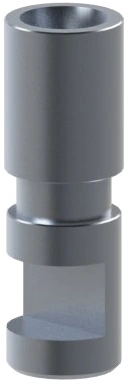
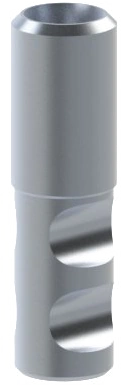
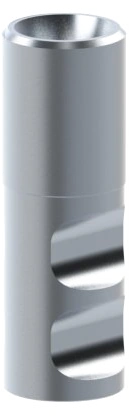
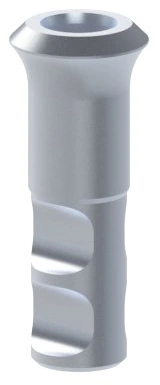
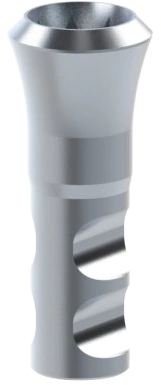
A laboratory implant analog is a faithful replica of the implant placed in the patient. Once seated in the impression or model situation, it transfers the exact connection geometry and platform position to the laboratory, enabling reliable fabrication of definitive and provisional restorations.
The analog is used during laboratory fabrication of the prosthetic restoration. In the model it replicates the geometry and position of the implant platform and serves as the laboratory equivalent of the implant in the patient's mouth.
The selected examples below show specific compatible analogs for stone models and a separate digital option for 3D-printed models.
Implant replica for stone models. A conventional laboratory analog intended for stone working models and traditional prosthetic workflows.
AISI 303 · IPD/RBAR00
Laboratory implant analog for an accurate working model and continuity with downstream components in the Straumann® BLX® system.
AISI 303 · IPD/DCAR00
Analog for a stone model, selected by platform to support accurate fit verification of downstream components.
AISI 303 · IPD/DBAR00
Compatible laboratory analog for working models where the correct platform and full continuity of downstream workflow components are essential.
AISI 303 · IPD/DEAR00
Conventional laboratory analog for working models, supporting stable verification of the connection, platform and prosthetic seating.
AISI 303 · IPD/DAAR00
Component for 3D-printed models, CAD/CAM libraries and validated digital workflows with offset control.
3D workflow · CAD/CAMModel accuracy starts with correct system identification and ends with stable, complete seating of the analog. Each step below improves predictability and reduces the risk of component mix-ups.
First identify the implant, system family, platform and connection type. The manufacturer's name alone is not sufficient for analog selection.
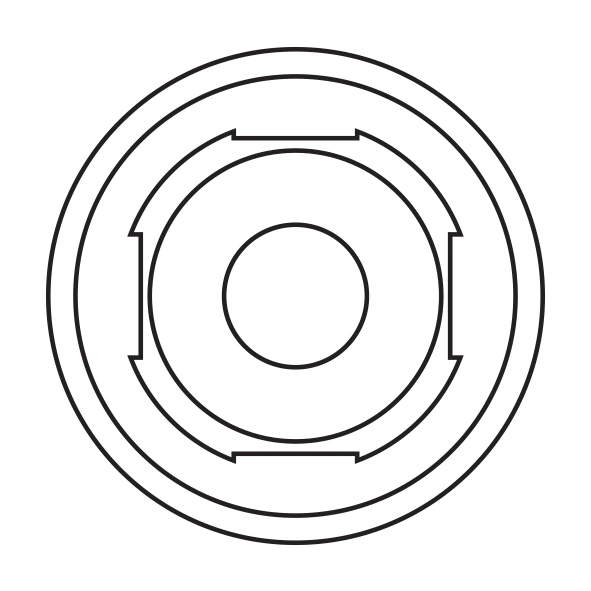
The analog must correspond to the specific platform and have a clean, undamaged connection. Inspection before use saves time during model fabrication and final fit verification.
The analog must be fully seated, stable and free of rotation. Any play or contamination can be transferred to the model and subsequently to the definitive restoration.
After correct seating, fabricate the working model according to the validated laboratory procedure. Once the model has set, re-check analog stability and the seating of downstream components.
An accurate model supports reliable design of crowns, bridges, screw-retained restorations and other laboratory solutions. The analog provides the reference for checking seating and the mechanical logic of the reconstruction.
A dedicated digital analog is intended for workflows based on intraoral scanning and 3D-printed models. The digital workflow requires the CAD library, calibration data and a validated offset for the specific printer and resin.
Each tile links an indicative implant-platform diagram to the IPD catalogue. The first four platforms are displayed immediately; additional platforms can be expanded.
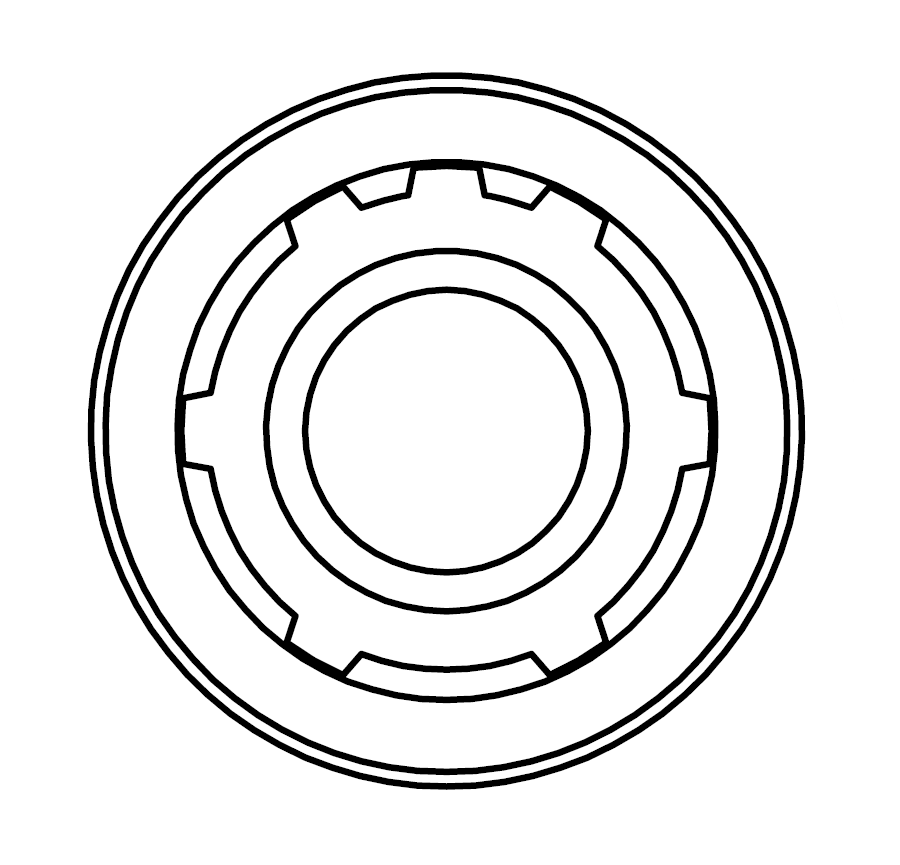
Indicative platform diagram for comparing the connection and selecting a compatible IPD implant analog.
View in catalogue
Indicative platform diagram for comparing the connection and selecting a compatible IPD implant analog.
View in catalogue
Indicative platform diagram for comparing the connection and selecting a compatible IPD implant analog.
View in catalogue
Indicative platform diagram for comparing the connection and selecting a compatible IPD implant analog.
View in catalogue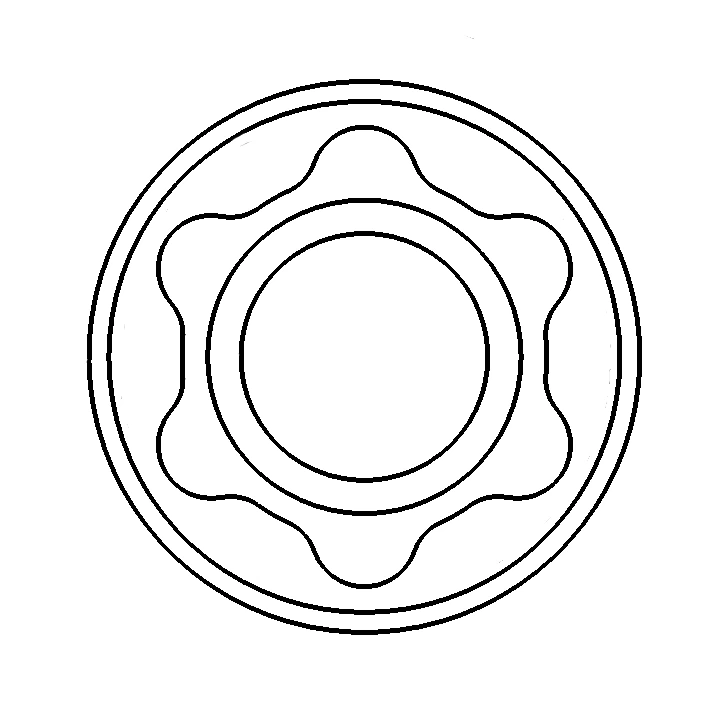
Indicative platform diagram for comparing the connection and selecting a compatible IPD implant analog.
View in catalogue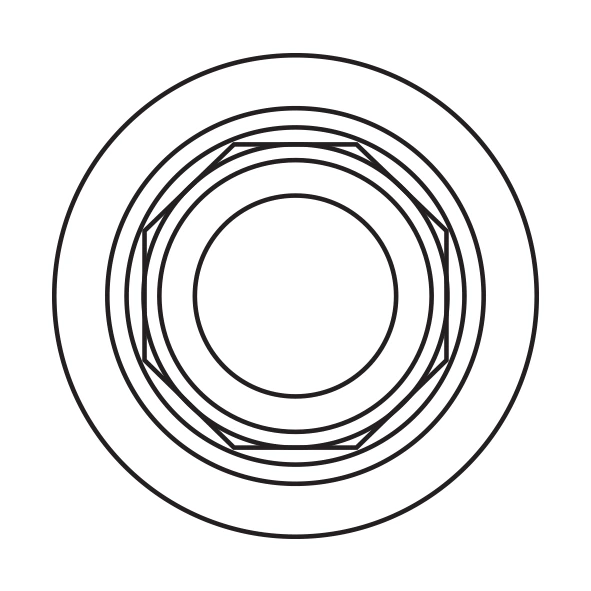
Indicative platform diagram for comparing the connection and selecting a compatible IPD implant analog.
View in catalogue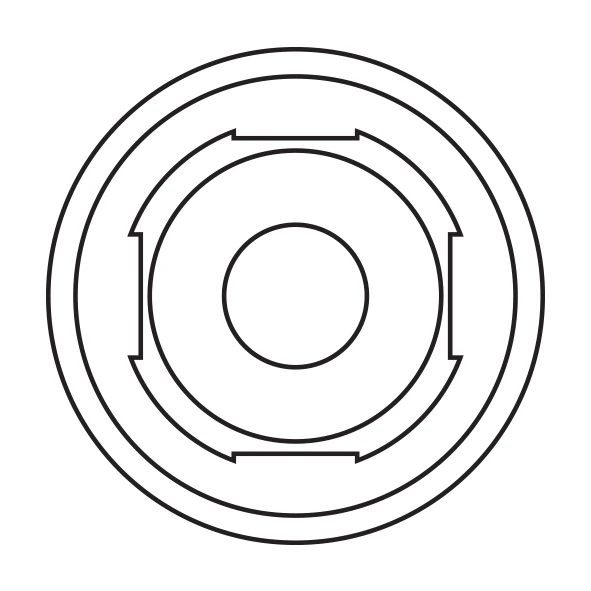
Indicative platform diagram for comparing the connection and selecting a compatible IPD implant analog.
View in catalogue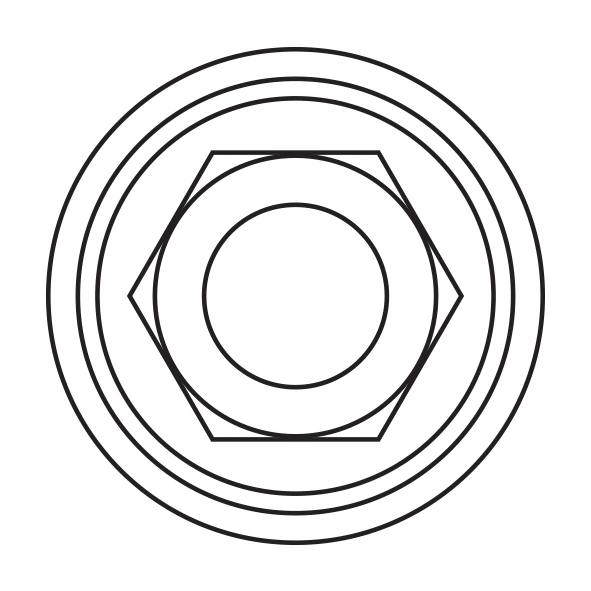
Indicative platform diagram for comparing the connection and selecting a compatible IPD implant analog.
View in catalogue
Indicative platform diagram for comparing the connection and selecting a compatible IPD implant analog.
View in catalogue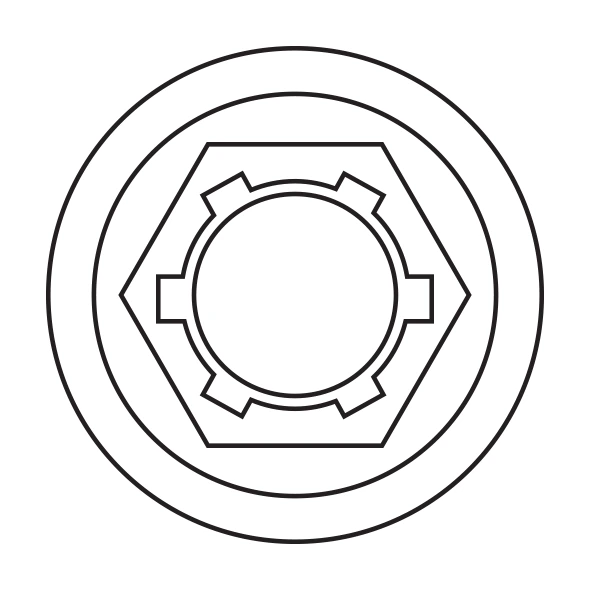
Indicative platform diagram for comparing the connection and selecting a compatible IPD implant analog.
View in catalogue
Indicative platform diagram for comparing the connection and selecting a compatible IPD implant analog.
View in catalogue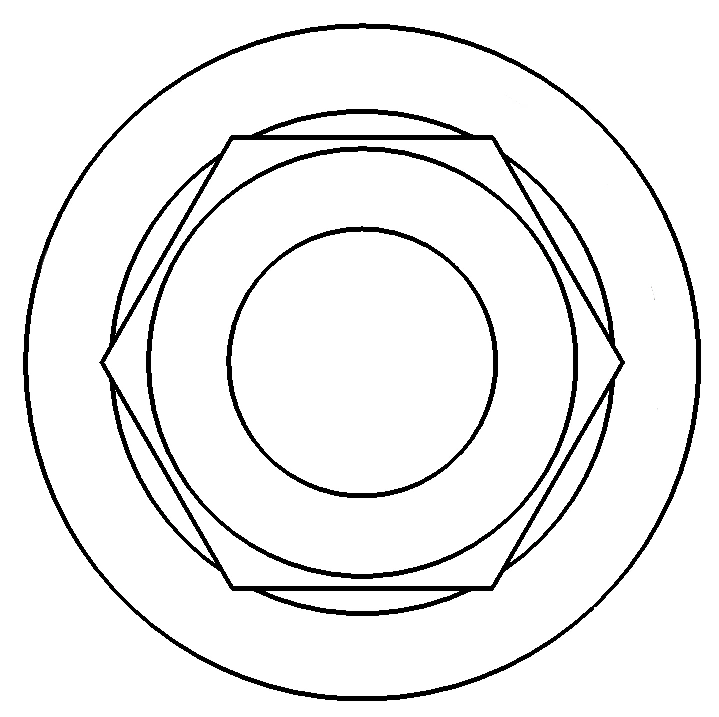
Indicative platform diagram for comparing the connection and selecting a compatible IPD implant analog.
View in catalogue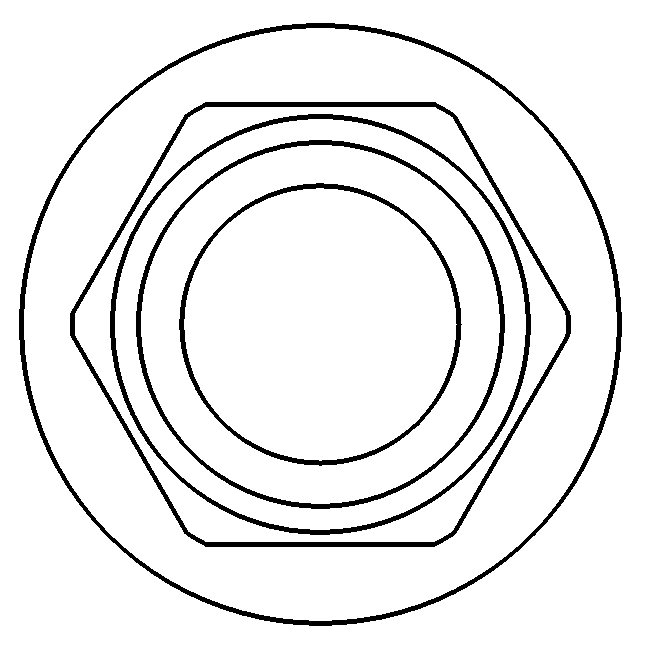
Indicative platform diagram for comparing the connection and selecting a compatible IPD implant analog.
View in catalogue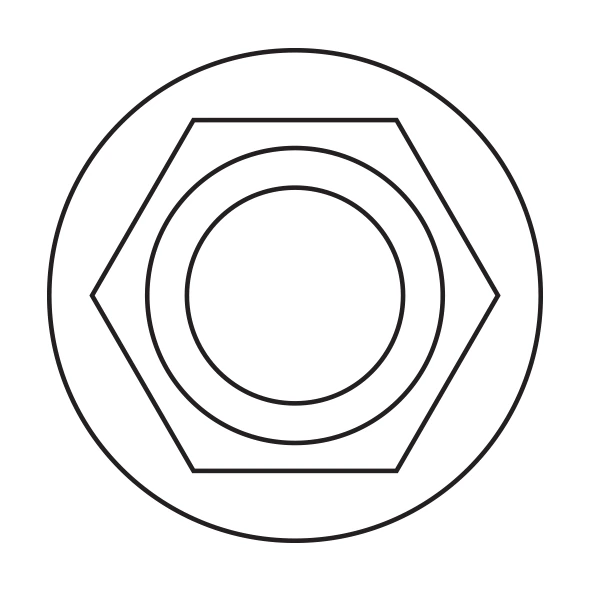
Indicative platform diagram for comparing the connection and selecting a compatible IPD implant analog.
View in catalogue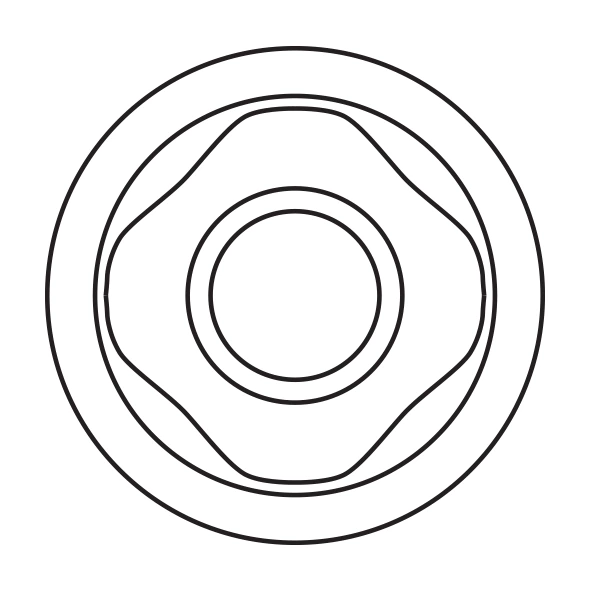
Indicative platform diagram for comparing the connection and selecting a compatible IPD implant analog.
View in catalogue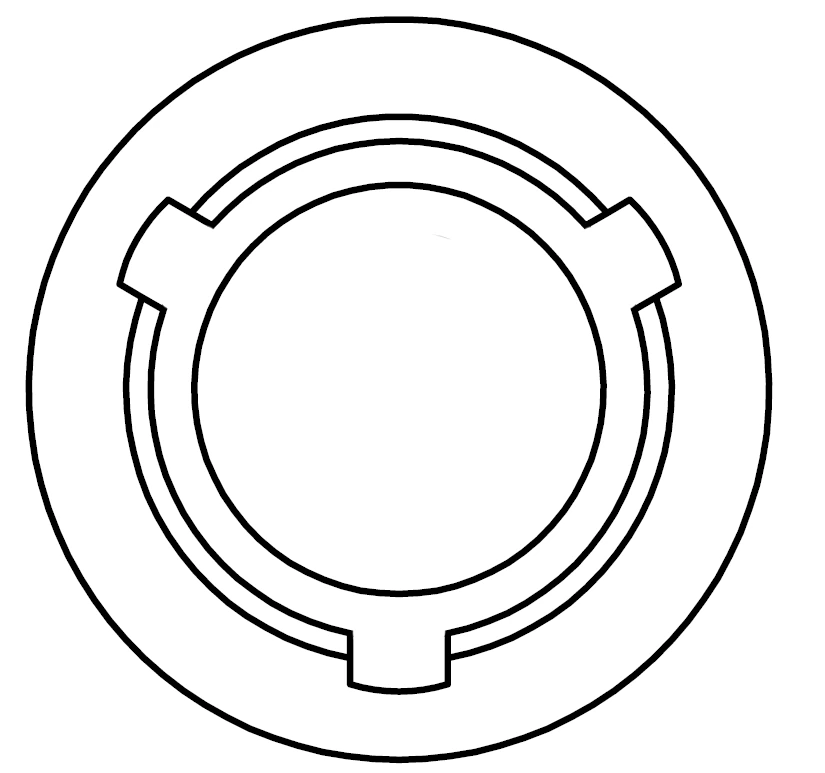
Indicative platform diagram for comparing the connection and selecting a compatible IPD implant analog.
View in catalogue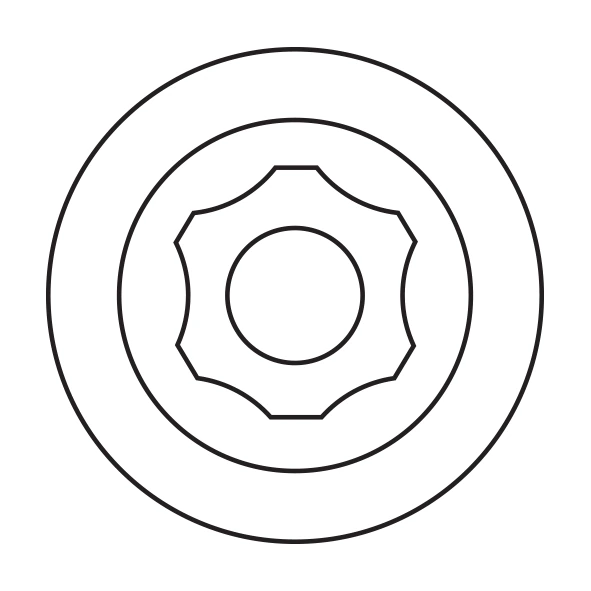
Indicative platform diagram for comparing the connection and selecting a compatible IPD implant analog.
View in catalogue
Indicative platform diagram for comparing the connection and selecting a compatible IPD implant analog.
View in catalogue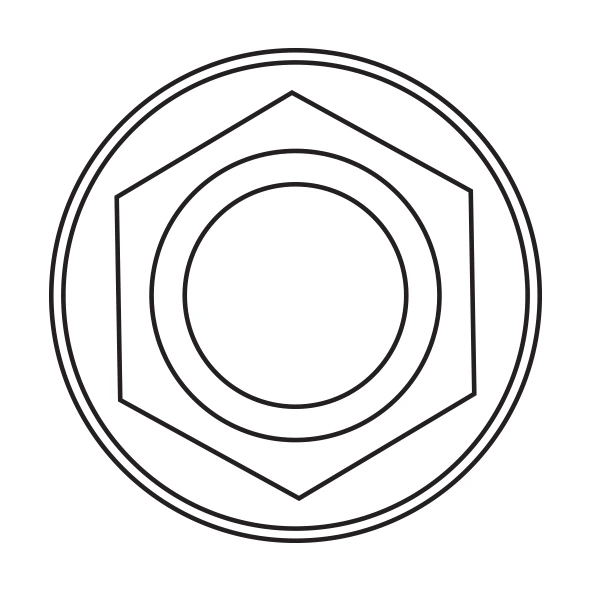
Indicative platform diagram for comparing the connection and selecting a compatible IPD implant analog.
View in catalogue
Indicative platform diagram for comparing the connection and selecting a compatible IPD implant analog.
View in catalogue
Indicative platform diagram for comparing the connection and selecting a compatible IPD implant analog.
View in catalogue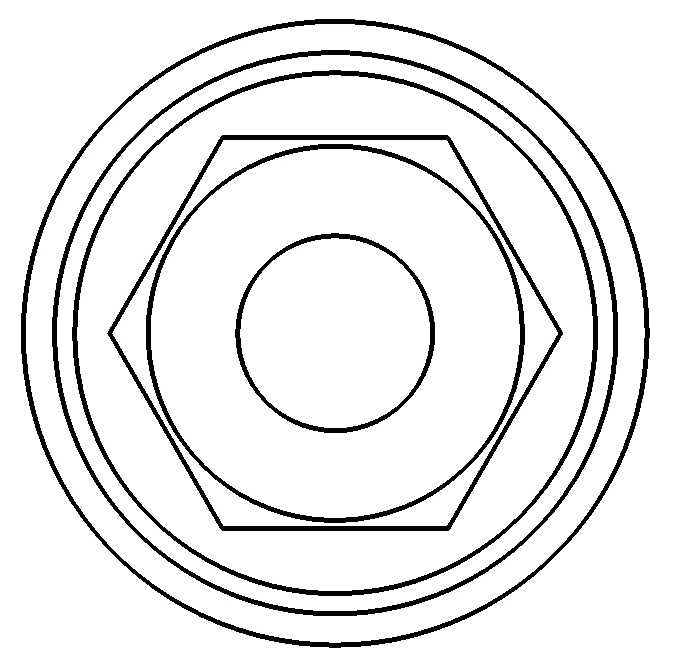
Indicative platform diagram for comparing the connection and selecting a compatible IPD implant analog.
View in catalogue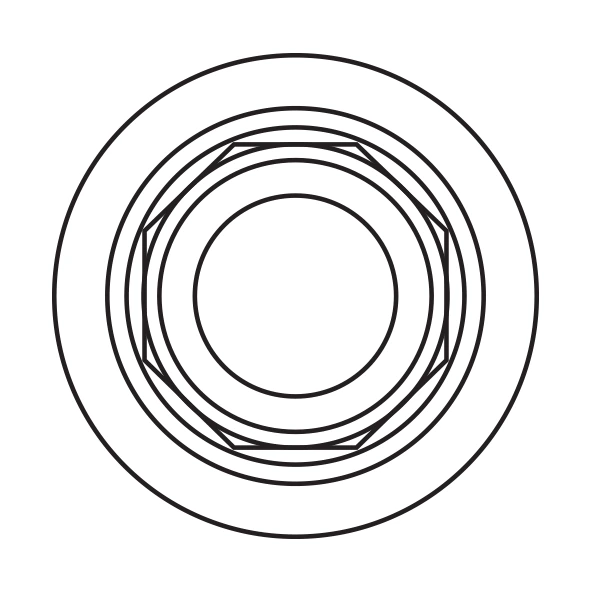
Indicative platform diagram for comparing the connection and selecting a compatible IPD implant analog.
View in catalogue
Indicative platform diagram for comparing the connection and selecting a compatible IPD implant analog.
View in catalogue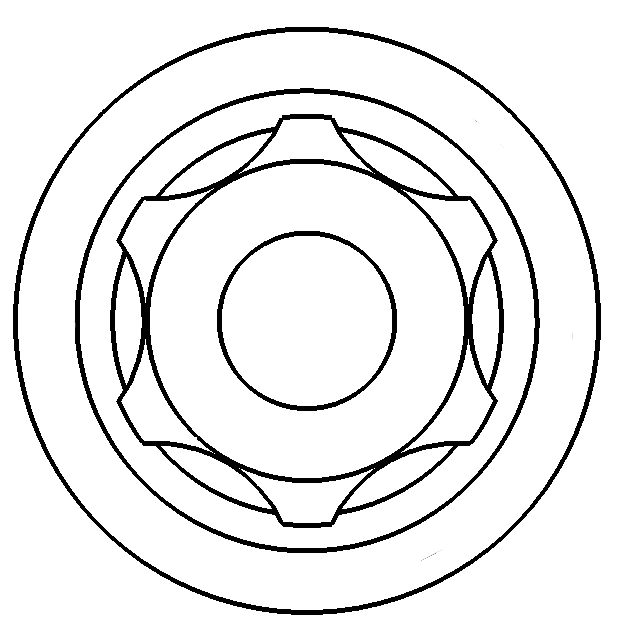
Indicative platform diagram for comparing the connection and selecting a compatible IPD implant analog.
View in catalogue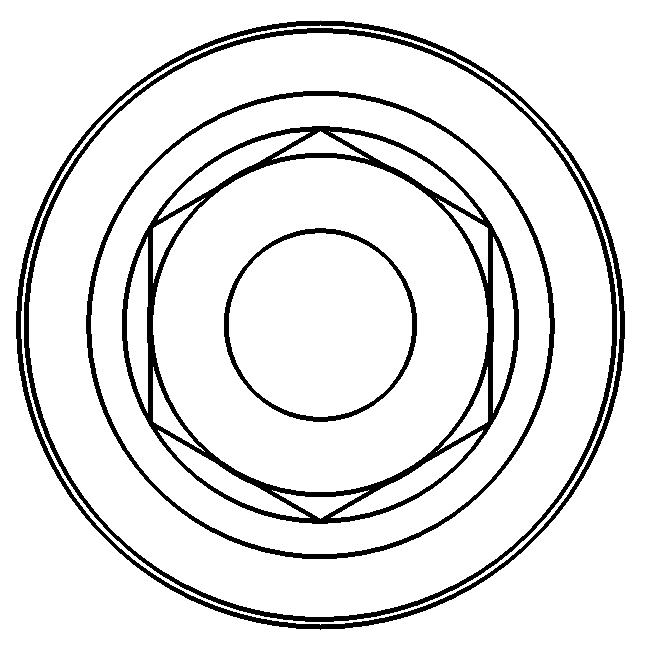
Indicative platform diagram for comparing the connection and selecting a compatible IPD implant analog.
View in catalogue
Indicative platform diagram for comparing the connection and selecting a compatible IPD implant analog.
View in catalogue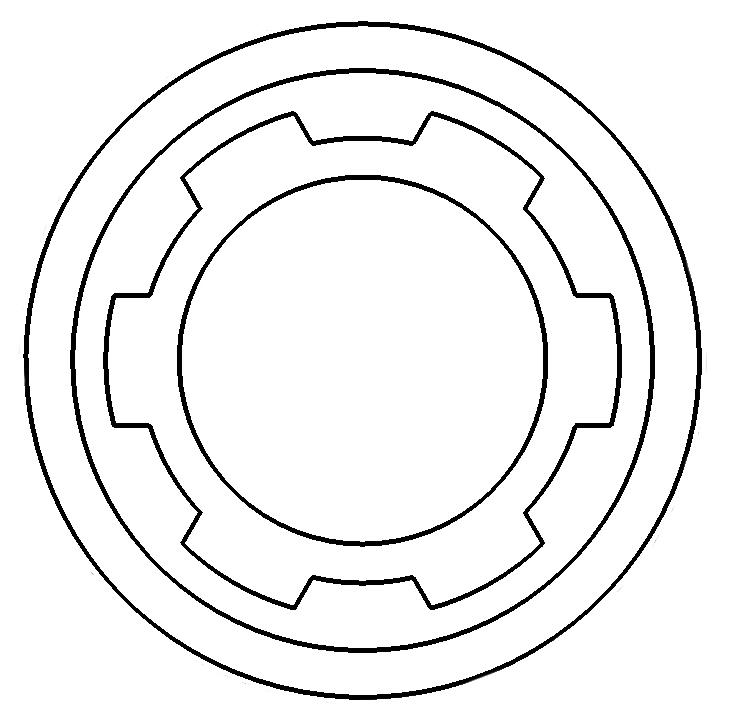
Indicative platform diagram for comparing the connection and selecting a compatible IPD implant analog.
View in catalogue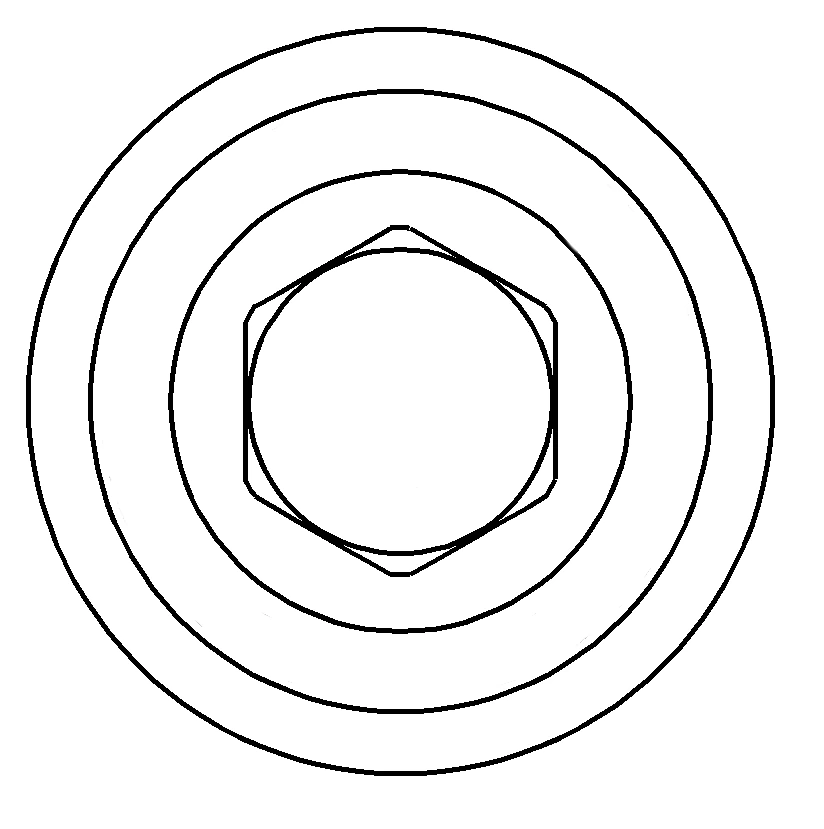
Indicative platform diagram for comparing the connection and selecting a compatible IPD implant analog.
View in catalogue
Indicative platform diagram for comparing the connection and selecting a compatible IPD implant analog.
View in catalogue
Indicative platform diagram for comparing the connection and selecting a compatible IPD implant analog.
View in catalogue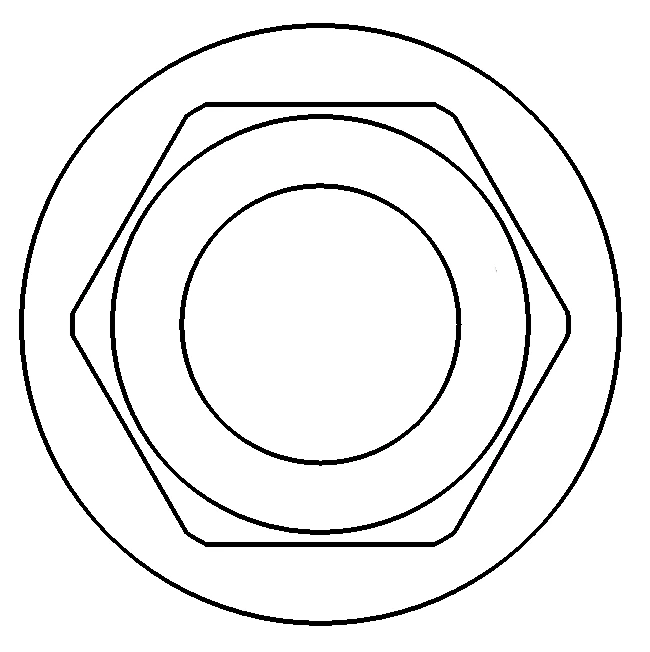
Indicative platform diagram for comparing the connection and selecting a compatible IPD implant analog.
View in catalogue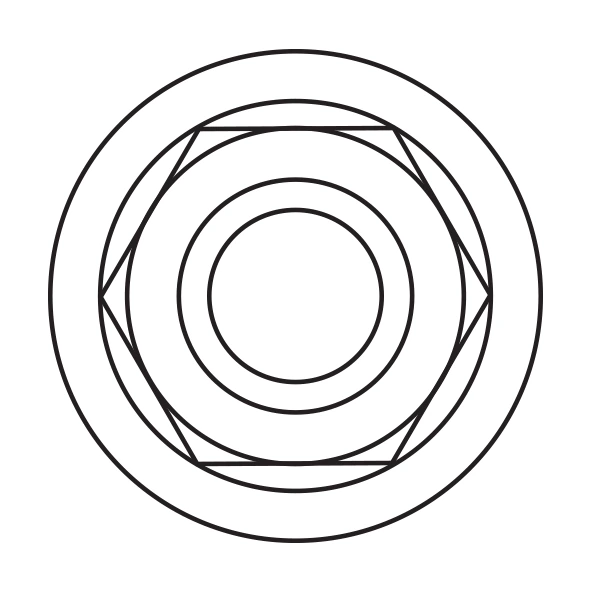
Indicative platform diagram for comparing the connection and selecting a compatible IPD implant analog.
View in catalogue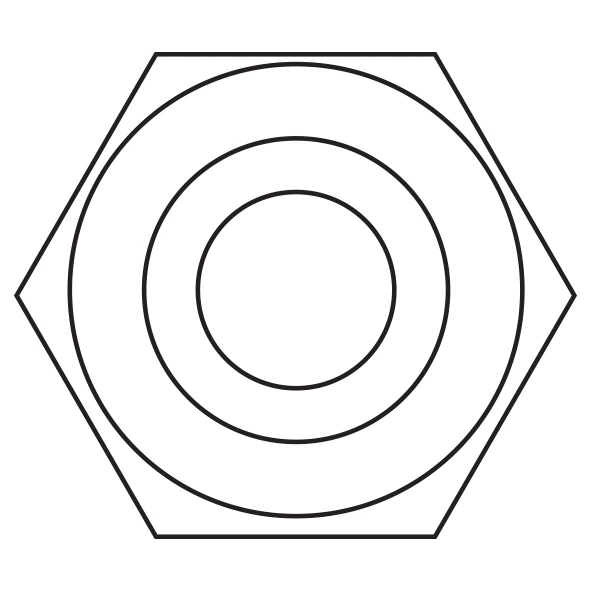
Indicative platform diagram for comparing the connection and selecting a compatible IPD implant analog.
View in catalogue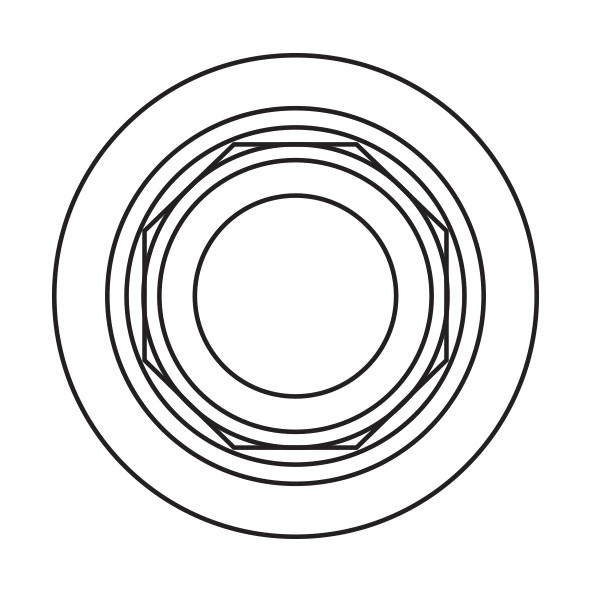
Indicative platform diagram for comparing the connection and selecting a compatible IPD implant analog.
View in catalogue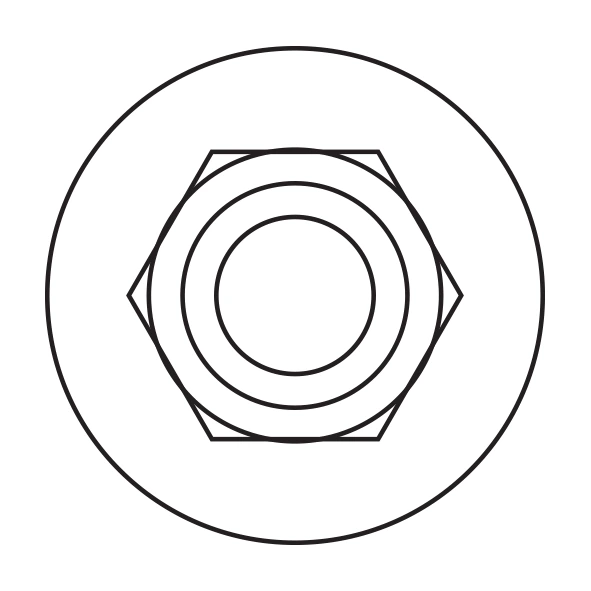
Indicative platform diagram for comparing the connection and selecting a compatible IPD implant analog.
View in catalogueThe catalogue can be filtered by brand, system, platform and component type. For implant analogs, verify not only the implant brand but also the system family and specific platform.
Both components serve a similar purpose but belong to different workflows. Choosing the correct type simplifies the process, improves model accuracy and reduces the risk of error in downstream steps.
Suitable for traditional laboratory workflows based on an impression and a stone working model. The key checks are platform selection, complete seating and stability within the model.
Intended for intraoral-scan, CAD and 3D-printed-model workflows. Requires the corresponding library, calibration data and a validated offset.
IPD libraries for Exocad, 3Shape and Dental Wings help maintain continuity between the scan, model and restoration.
In practice, most errors occur during platform identification and handling of the analog within the model.
Concise answers to common questions from laboratories and clinics.
It serves as the laboratory replica of the implant. It transfers the connection geometry and platform position into the model so the prosthetic restoration can be fabricated accurately outside the patient's mouth.
According to the supplied documentation, the material is AISI 303 stainless steel, suitable for laboratory use and repeatable model work.
You need to know the implant manufacturer, system family and platform. If uncertain, verify compatibility in the catalogue or consult technical support.
When the model is created from an intraoral scan and 3D printing. The digital analog must correspond to the CAD library, calibration and validated offset for the specific printer and material.
Simply provide the implant manufacturer, system family, platform and whether you are working with a stone or 3D-printed model. We can recommend the appropriate analog and downstream components.
Third-party implant-system names and trademarks are used solely to identify compatibility. Their use does not imply affiliation, approval or sponsorship by the respective trademark owners. Clinical and laboratory use must always follow the manufacturer's current instructions for use and professional assessment of the individual case.

I am a healthcare professional within the meaning of Section 2a of Czech Act No. 40/1995 Coll., on the Regulation of Advertising. I confirm that I am authorised to access pages intended for healthcare professionals.